
How to Display Information of File System in Bytes using the Linux command?
A byte is a unit used by most of the computers to represent a character such as a letter, number or typographic symbol. Each byte can hold a string of bits that need to be…
A byte is a unit used by most of the computers to represent a character such as a letter, number or typographic symbol. Each byte can hold a string of bits that need to be…

The megabyte is a multiple of the unit byte for digital information. Its recommended unit symbol is MB. The unit prefix mega is a multiplier of 1000000 (106) in the International System of Units (SI). Therefore, one megabyte is one million bytes of information. This…

The df displays the amount of disk space available on the file system. It reports the available disk space usage used by the file systems with each file name argument. If the file name…

The gzip command is a well known and simplest way to compress and decompress files within Linux system. When you using “gzip” command to compress files, the files get smaller than its actual size. The “gzip”…
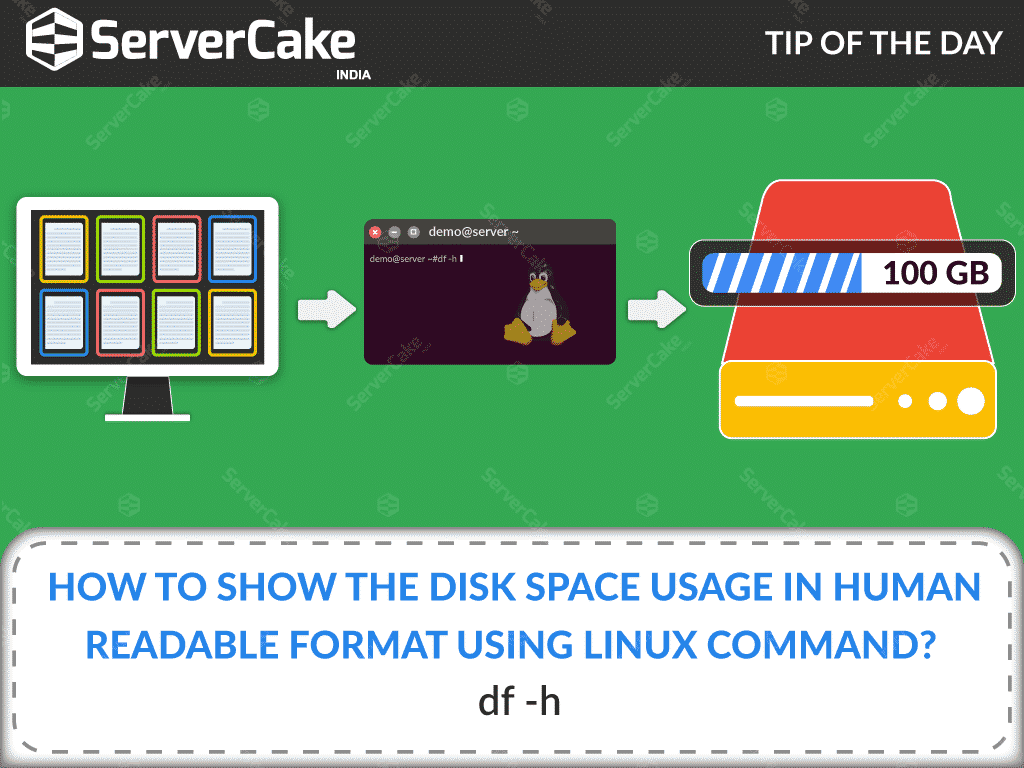
The df command is used to show the amount of disk space free in the file system. df is first called with no arguments and its default action is to display used and…